Quick answer
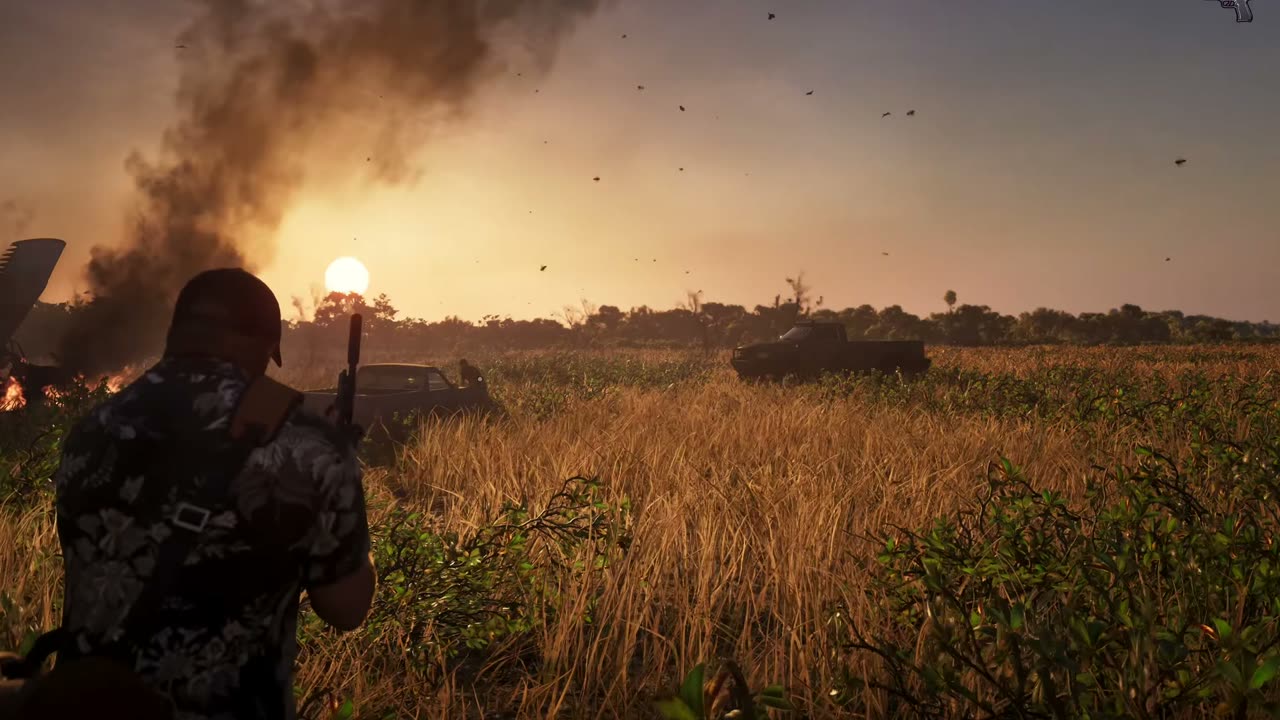
Players are reporting crashes in GTA VI's prologue, freezes, and a softlock in an early Lucia mission after she leaves a bank. Here's what's being reported on PS5 and Xbox Series X|S, and the steps worth trying before you restart a mission.
What players are reporting
A game this big was never going to launch perfectly, and GTA VI hasn't. Players posting in bug threads since launch day have described the same handful of problems on both PS5 and Xbox Series X|S. It isn't clear how common they are, but if you hit one it can stop you playing altogether.
- Crashes during the prologue, sometimes more than once in a row.
- The game freezing during play.
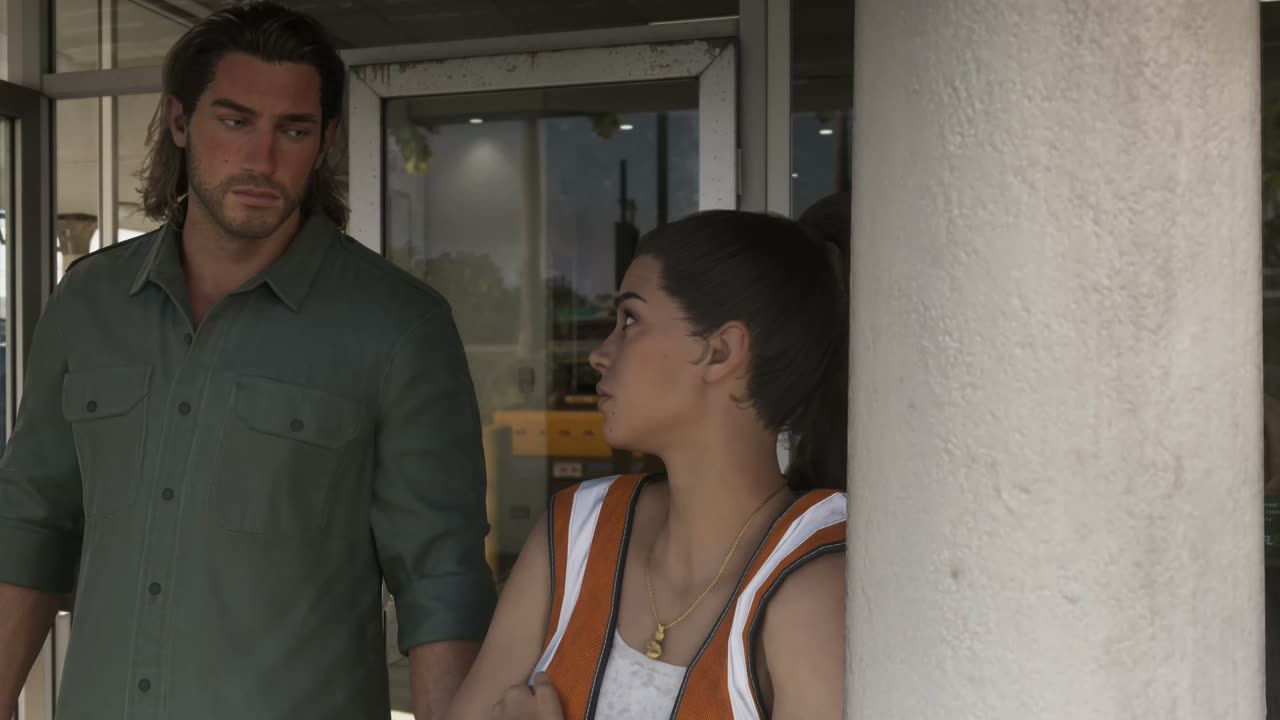
- A softlock in an early Lucia mission, where the game won't let you continue after she leaves a bank.
- Missing textures and audio problems.
- Lost progress.
- Characters falling through the map.
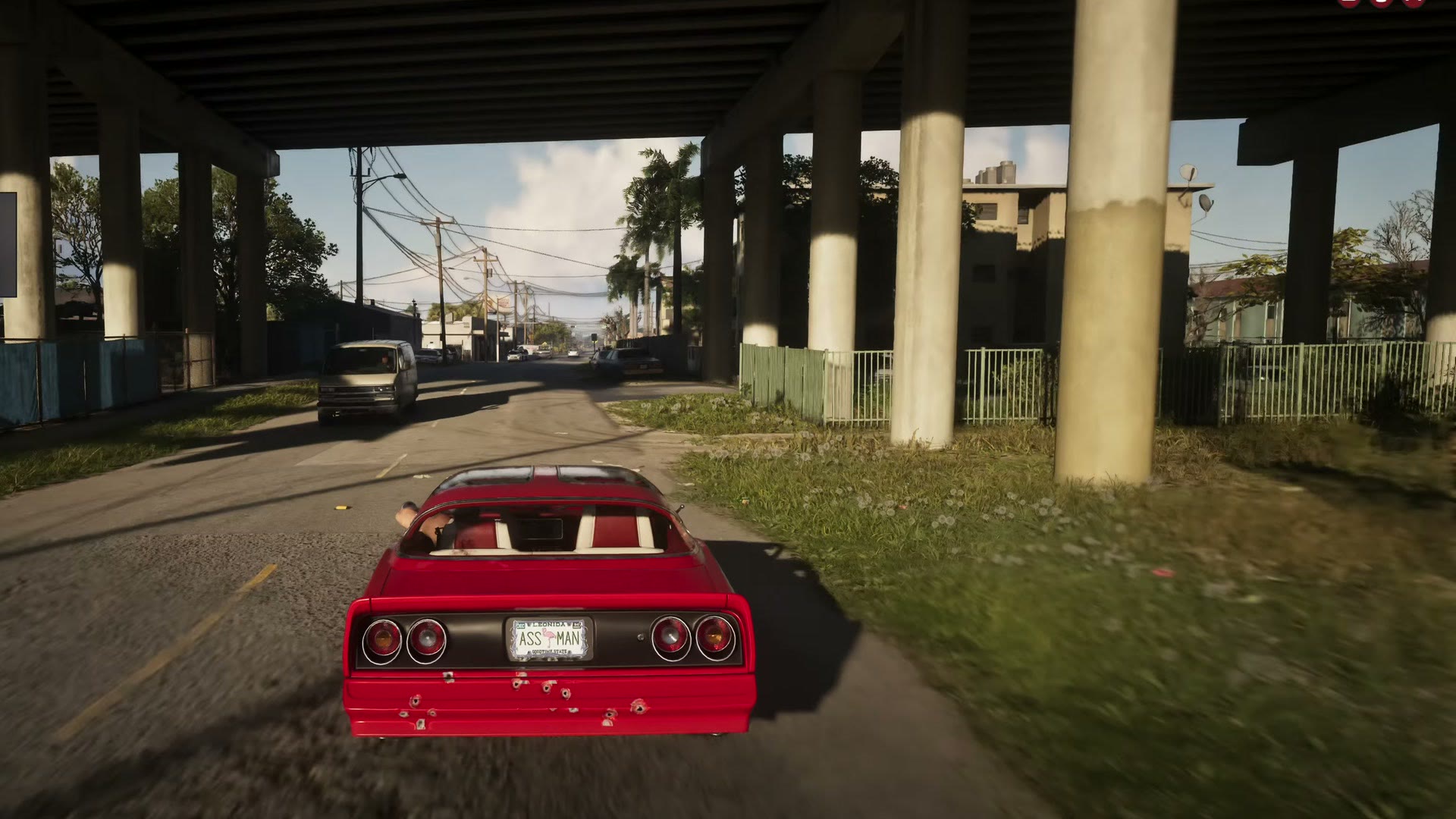
- Vehicles launching into the air after a collision.
What to try
We don't have official fixes to point you to yet, so these are general steps that help with many console crashes and stuck missions. Try them in order.
- Check for updates. Make sure the latest version of the game is installed before you play. Consoles usually update automatically, but it's worth checking in the game's options menu on PS5 or Manage game on Xbox.
- Fully close the game, don't just return to the home screen. Then start it again.
- Restart the console properly, not from rest mode. This clears out anything stuck in memory.
- For a stuck mission, load your last save or restart from the mission's last checkpoint. If the same thing happens twice in a row, try changing your approach, like taking a different route or vehicle.
- Save often, and keep more than one save if the game lets you, so a corrupted save doesn't cost you hours.
- If nothing works, report it to Rockstar Support with your platform, what you were doing and when it happened.
Don't believe everything you see
Launch week also brings fake news. One viral post claimed a particular mission couldn't be failed, and video then showed exactly that mission being failed. If you see a claim about a secret fix or a confirmed patch, check whether Rockstar has actually said it before you rely on it.
What we'll update
We'll add official patch notes and fixes to this page as Rockstar releases them, and remove problems from the list once they've been fixed.
Sources
- GameWatcher: GTA 6 launches to reports of bugs and review bias
- Rockstar Games Support (to report a bug)
Published November 23, 2026. Spotted something wrong or out of date? Report a correction.